




What Is Agentforce Coworker? Salesforce’s AI Inside Lightning
source on Google

Table of Contents
source on Google
A traditional working approach looks like this: many tabs open, switching between dashboards, emails, and Slack messages, just to bring together enough context to start the actual task.
By the time you’ve gathered what you need, you’ve already lost the time you meant to spend doing the work itself.
Agentforce Coworker changes that starting point. As the name suggests, it is your teammate, but AI.
Instead of being another tool you open, it’s an AI teammate that already knows your role, your accounts, your relationships, your calendar, your email, your documents, and your workflows. It doesn’t wait for you to go looking for context, it already has it.
That’s the shift we’ll reveal in this blog. Let’s get into it.
What is Agentforce Coworker?
Agentforce Coworker is an autonomous AI teammate by Salesforce that helps you find information, analyze business data, and complete work using natural-language requests.
Think of it as a digital colleague who can understand your role, access relevant business context, and coordinate with specialized AI agents to help move tasks forward.
It works where you work. Salesforce says Coworker is available across the applications employees use, including:
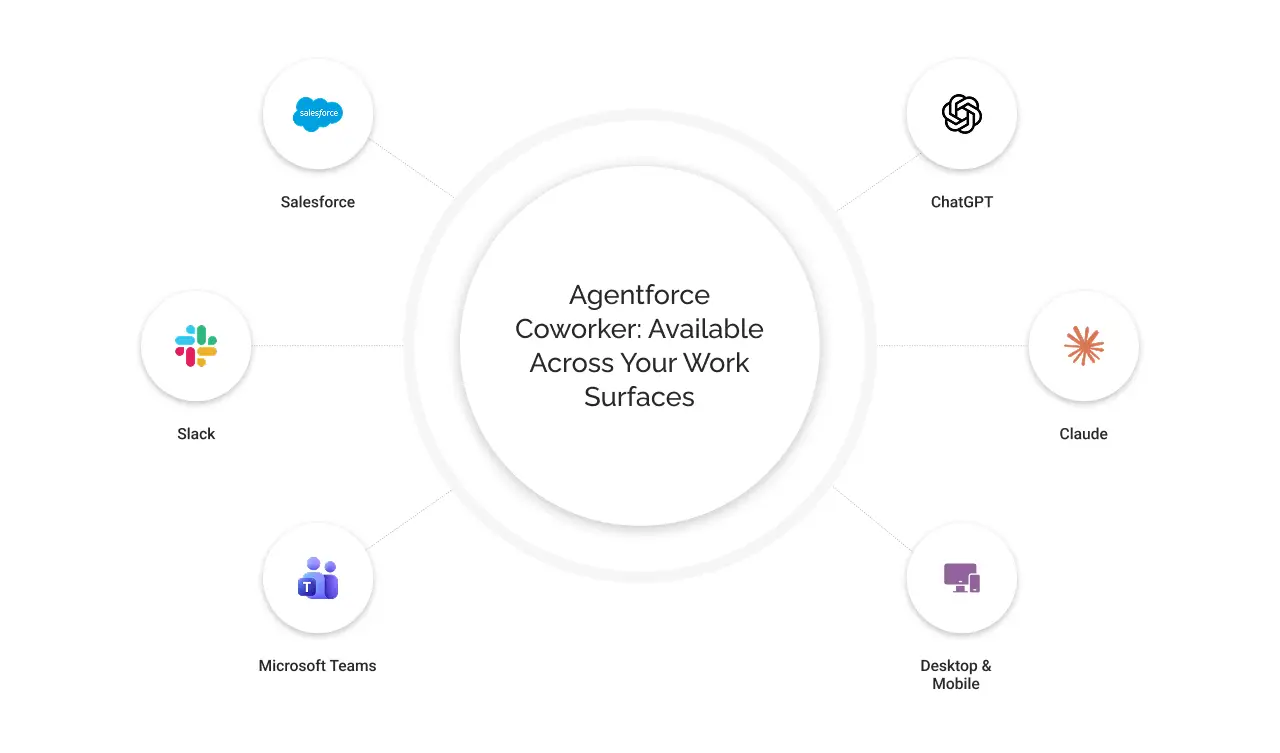
- Salesforce
- Slack
- Microsoft Teams
- ChatGPT
- Claude
- Desktop and mobile experiences
This means you can interact with your AI teammate through familiar workspaces rather than relying on a separate application for every request.
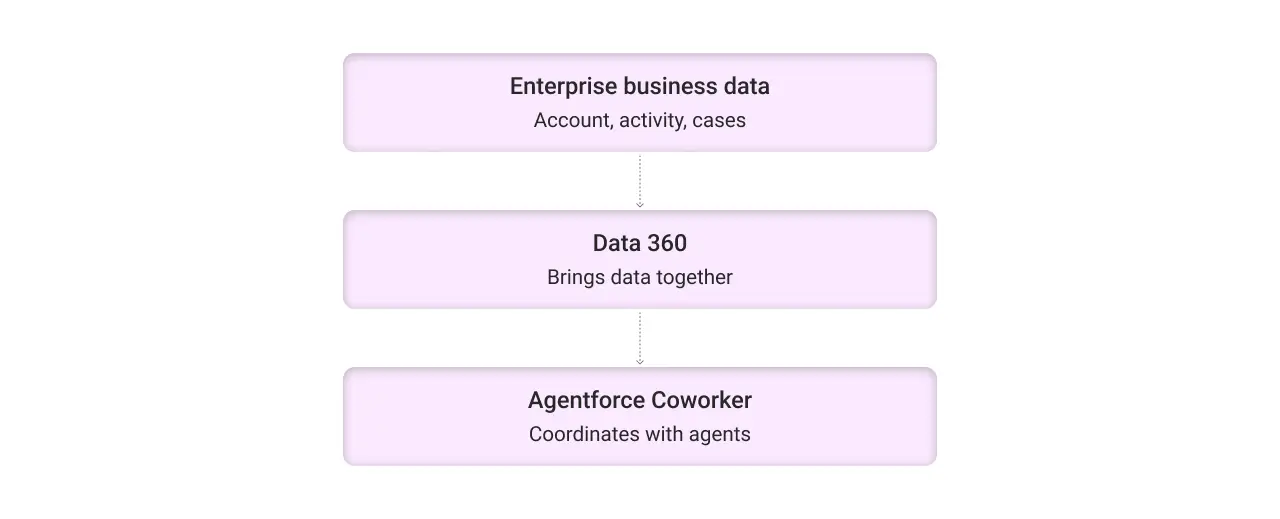
Powered by Data 360
Coworker is powered by Data 360, which helps bring enterprise data together so it can be used across business processes and AI experiences. This foundation allows Coworker to work with your company’s managed business data and relevant context, rather than relying only on general AI knowledge.
For example, when a sales representative asks about an account, the answer may depend on more than the account record. Customer activity, open cases, previous interactions, and other related information may also matter.
Coworker uses this context to understand what you need and coordinate with the relevant Salesforce products, clouds, and specialized Agentforce agents, such as Piper, Hunter, Casey, and others.
Autonomous work, with built-in governance
Coworker is designed to do more than answer questions. It can trigger flows, activate agents, and continue work across connected workflows without requiring you to guide every step.
Once it understands the task and the actions needed, it can help move the work forward autonomously.
At the same time, Coworker operates within the permissions and governance established for your organization. It can only perform the actions you are authorized to take, regardless of the platform or interface you use.
What does Agentforce Coworker do for you?
Agentforce Coworker is designed to support various parts of your workflow. Here is a list of Coworker’s use cases. Let’s explore them.
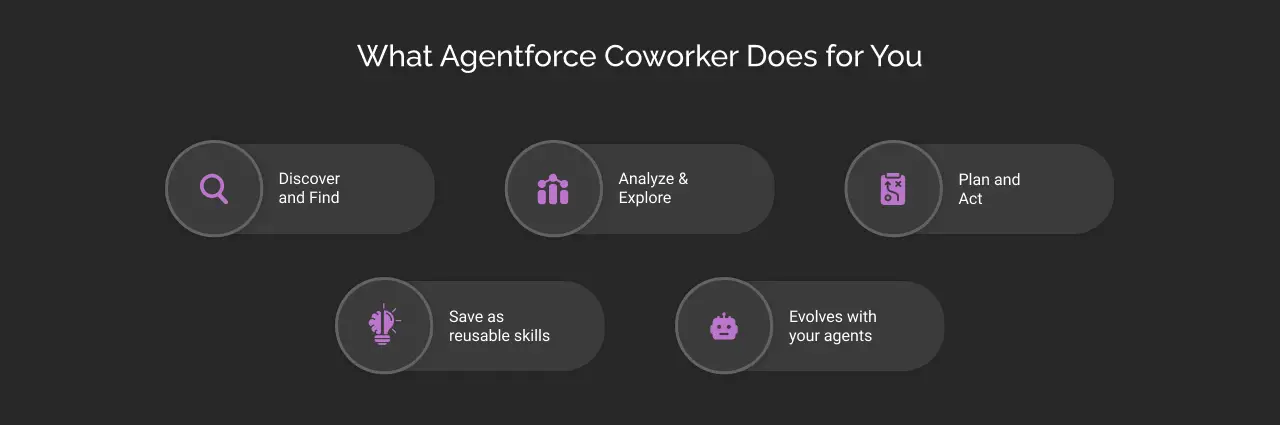
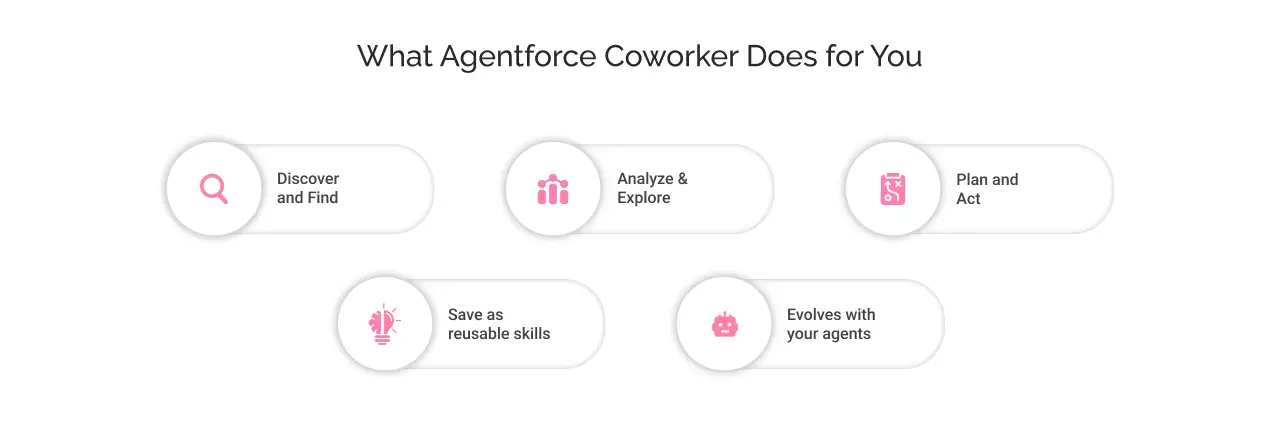
Discover and find
Finding information across different platforms and spaces is a burdensome task when done manually. Agentforce Coworker connects and indexes across 300+ enterprise sources to help you find relevant answers with business context.
Instead of manually going through Salesforce records, emails, documents, and team conversations in Slack separately, you can ask a question in natural language.
For example:
“What were the main concerns raised by ABC customer during our recent conversations?” Coworker can help surface relevant information and results from these connected sources.
Analyze and explore insights
Agentforce Coworker helps you to explore enterprise data, gain insights, and understand what the information means for your work. It proactively surfaces insights when they are needed.
For example, a sales leader could ask Coworker to review pipeline performance across their team. Instead of manually comparing multiple reports, Coworker can help bring relevant information together and highlight areas that require attention.
It can also present findings through dashboards and insights, making complex information easier to understand.
This helps you move from simply viewing data to using it to decide what to do next.
Plan and act
Agentforce Coworker helps you move from an answer to execution. It can trigger flows, call specialized agents, and keep work moving through autonomous actions.
For example, after identifying a customer issue, a user might ask Coworker to:
- Draft an email for review.
- Update an appropriate Salesforce record.
- Start a relevant workflow.
- Coordinate with a specialized agent to complete a task.
The exact action depends on the available capabilities and the user’s permissions. Coworker does not give every user unrestricted access to Salesforce data or actions.
Save workflows as reusable skills
Some tasks are repeated regularly. A sales leader may need a weekly pipeline review, while a manager may want a recurring summary of team activity.
The real-life example of Fulton Bank showcases a workflow in which Coworker creates a prioritized action plan and saves the process as a reusable skill.
The skill captures the context, logic, and format of the workflow in a Markdown file that other agents can reference. It can also be rerun and shared with other leaders. This approach can help you and your teams turn a useful one-time interaction into a repeatable process.
Instead of rebuilding the same request every week, your employees can reuse the saved workflow when appropriate.
Evolves with your Agentforce Agents
You might create different AI agents for different responsibilities, such as sales, service, or specialized operational tasks.
Agentforce Coworker acts as a single entry point for these agents. As more agents are added, Coworker can identify which specialized agent is relevant to a particular request and coordinate the work.
For your employees, this means they can focus on describing the outcome they need rather than remembering which agent is responsible for each task.
How does Agentforce Coworker work?
Let’s understand the working of Coworker with an example.
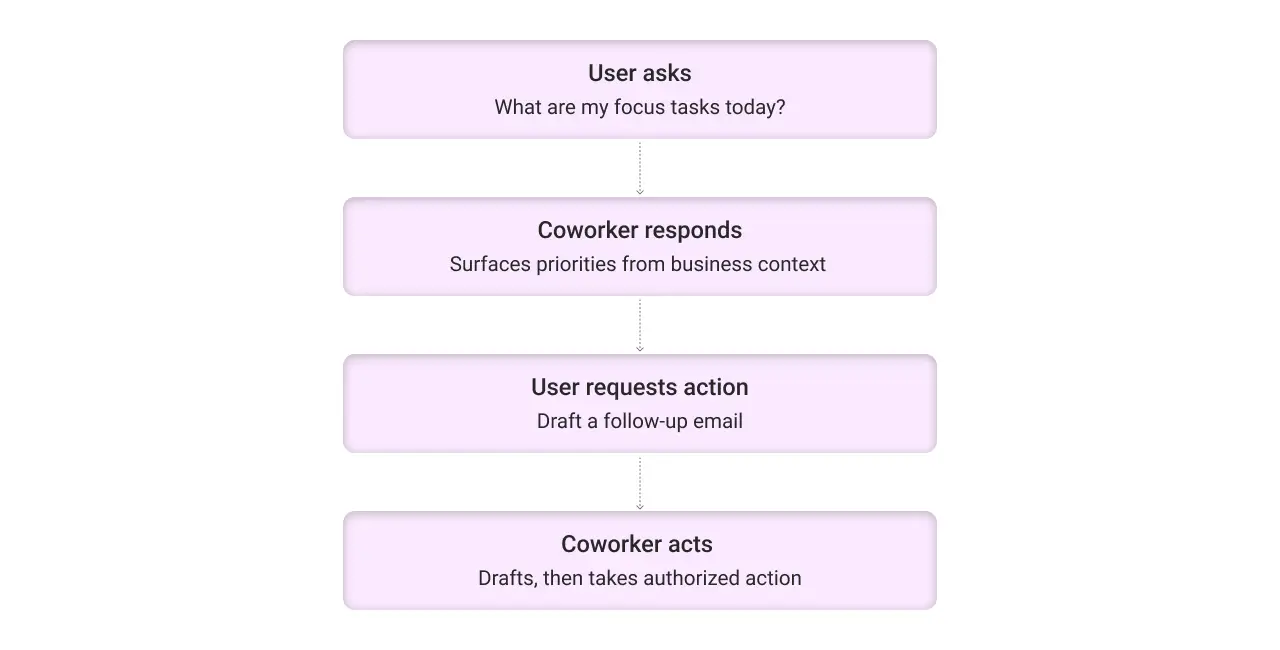
Imagine a sales representative starting their workday. Instead of opening multiple applications and deciding what to prioritize, they ask: “What are my focus tasks today?”
Coworker uses relevant information from the user’s connected business context to help identify priorities. This may include CRM records, customer activity, and related workflows, depending on the available data and permissions.
The interaction can then continue in the following manner:
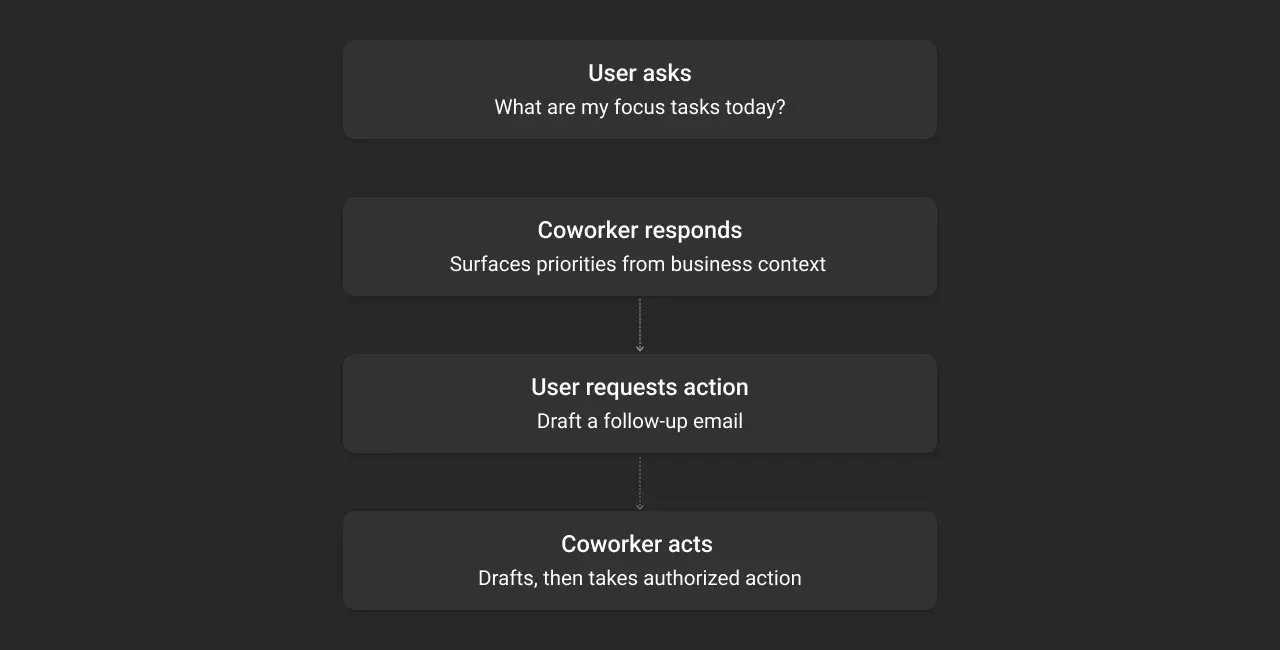
- User: “Which customer needs my attention first?”
- Coworker: Identifies relevant information and helps explain the priority.
- User: “Prepare a follow-up email for that customer.”
- Coworker: Helps draft the email for review.
- User: “Update the opportunity after I confirm the details.”
- Coworker: Can help with the authorized Salesforce action.
This example shows the intended progression from discovering information to understanding it and then taking action.
But what goes behind the scenes?
Orchestrating Agents Like Casey, Piper, Hunter, and others.
Coworker coordinates with specialized Agentforce agents that handle a particular type of work.
An agent, for example Hunter, is a long-horizon agent that works toward a goal, breaks it into scheduled tasks, and identifies actions requiring human approval. It can also help draft outreach using tools such as Gmail, with a human review step before sending.
This shows how Coworker can serve as a coordination layer between you and a wider group of specialized agents. You describe the desired outcome, and the relevant agents help carry out the work.
How to set up Agentforce Coworker in your org?
Agentforce Coworker is a quick-start experience that does not require lengthy configuration or coding.
Note: The exact setup experience depends on your Salesforce org, licenses, and enablement status.
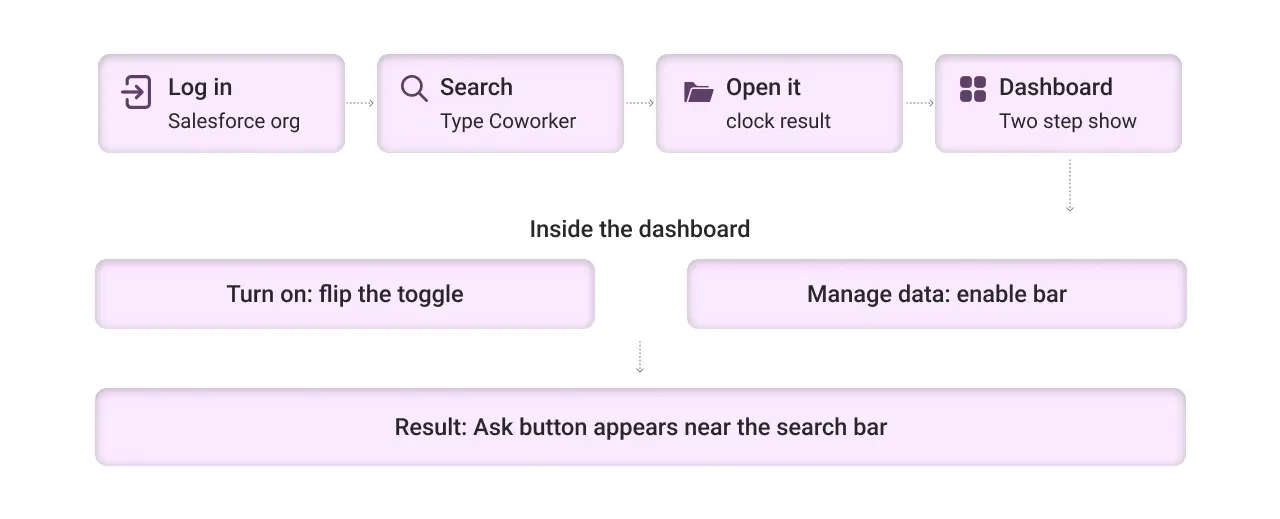
- Log in to your Salesforce dashboard.
- Search for ‘Coworker’
- Click ‘Agentforce Coworker’
- A setup dashboard with two steps will appear:
- Turn on Agentforce Coworker: Flip the toggle switch to enable it
- Manage Data: Salesforce, Slack, and other listed applications may already be enabled by default. If not, enable the applications you want to use
And you are done!
No manual configuration or coding is required. Once enabled, Agentforce Coworker will appear as the ‘Ask’ button near the search bar.
Test Agentforce Coworker
Type a prompt such as, “What are my focus tasks today?” Coworker will review the relevant workflows and connected applications, bring together the required information, and create a prioritized, customizable action plan.
Use the Ask button near the search bar to start interacting with Coworker.
Agentforce vs. Agentforce Coworker: How are they different?
Here is a distinction between Agentforce and Agentforce Coworker
| Aspect | Agentforce | Agentforce Coworker |
|---|---|---|
| Main purpose | Build and run AI agents that perform specific tasks or business functions. | Provide a unified, natural-language entry point for discovering information and getting work done. |
| How users interact | Through configured agents and their supported experiences. | Through a conversational interface across supported work surfaces. |
| Role in workflow | Performs specialized work based on its instructions, actions, and permissions. | Helps identify the relevant work and coordinate with specialized agents. |
| Example | A sales agent helps with sales-related tasks. | A user asks Coworker to review priorities, and it coordinates the relevant work. |
Simply, Agentforce helps create and run specialized AI agents, while Agentforce Coworker helps employees access and coordinate that AI workforce through a unified experience.


Conclusion
Agentforce Coworker is designed to make enterprise AI easier to access and more useful in everyday workflows.
Instead of asking employees to switch between applications, search for information manually, and identify the right specialized agent for every task, Coworker brings these activities together through a natural-language experience.
For businesses exploring Salesforce AI, the important question is not only what an AI agent can do. It is also how employees can access the right information, coordinate the right agents, and complete work without unnecessary friction.
Agentforce Coworker brings that experience closer to a digital teammate that works alongside your team.
Want to explore how Salesforce AI can support your business workflows? At Cyntexa, we help businesses evaluate and implement Salesforce solutions that align with their operational needs.
Explore our Salesforce AI implementation services.
Don’t Worry, We Got You Covered!
Get The Expert curated eGuide straight to your inbox and get going with the Salesforce Excellence.
Co-founder and CTO at Cyntexa also known as “VJ”. With 10+ years of experience and 22+ Salesforce certifications, he’s a seasoned expert in Salesforce Data Cloud & AI Products, Product Engineering, AWS, Google Cloud Platform, ServiceNow, and Managed Services. Known for blending strategic thinking with hands-on expertise, VJ is passionate about building scalable solutions that drive innovation, operational efficiency, and enterprise-wide transformation.


Cyntexa.
Join Our Newsletter. Get Your Daily Dose Of Search Know-How