



Best CRM for Small Businesses in 2026: Which One is Right for You?

Table of Contents
Why do you need a CRM? Whether you want to streamline your sales process, make customer service more efficient, or personalize the marketing efforts, your why determines your which.
A CRM for small businesses might promise you robust technical capabilities and streamlined operations, but the decision should be driven by your needs and the budget you can afford to spend.
Here in this blog, we’ve compiled a list of the 10 best CRM for small businesses evaluated on the following factors:
- Total cost of ownership, which includes subscription fee, implementation & training cost, and maintenance overhead
- Customization opportunities to tailor the CRM to your specific business processes
- Integration capabilities
- Long-term viability
- Recommended for specific business types, team size, and use cases
Top 10 Best CRM for Small Businesses
1. Salesforce
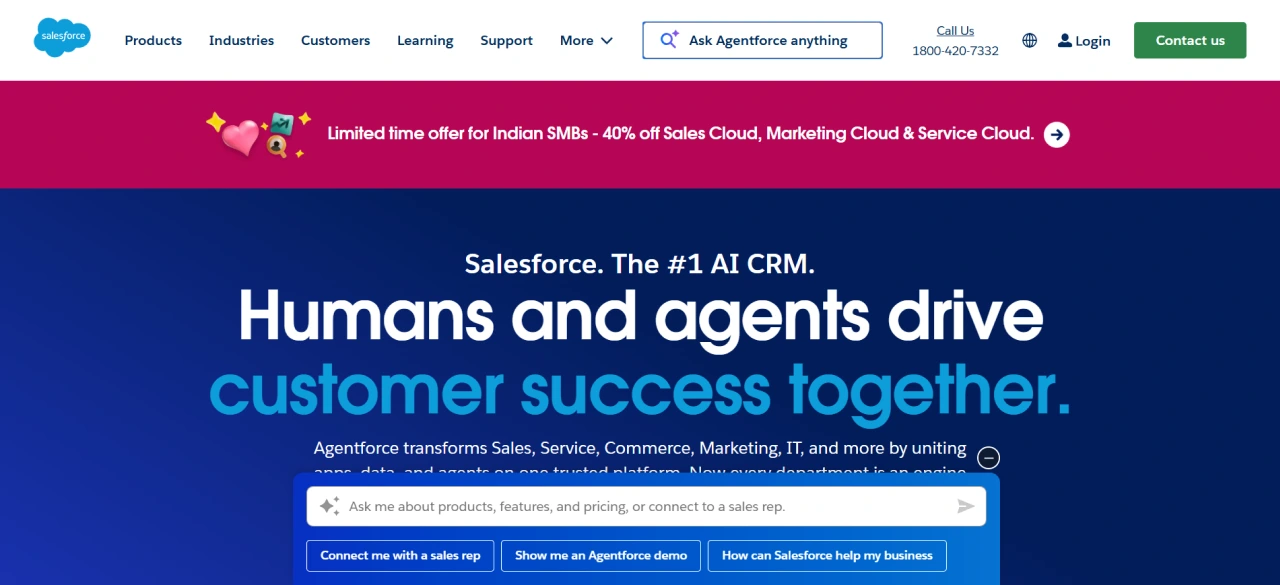
Salesforce is a free cloud-based customer relationship management platform, recognized as the world’s #1 CRM provider by IDC for 12th consecutive years in 2025.
Salesforce has a 20.7% CRM market share, which is larger than the combined market share of its four largest competitors, including Adobe, Microsoft, Oracle, and SAP.
It has tailored packages for small businesses, such as the Free Suite, Starter Suite, and Pro Suite. These packages, which include sales, service, marketing, and commerce capabilities, work together as one integrated CRM.
Simply saying, Salesforce is a complete CRM package for small businesses. It helps manage the end-to-end customer journey from creating targeted email marketing campaigns and capturing leads to closing sales faster and resolving customer issues more efficiently.
Salesforce is completely free for up to 2 users, offering capabilities such as lead, contact, account, and opportunity management, service case management, and basic email marketing.
You can start with Salesforce at no cost with its Free Suite. As your business grows, you can upgrade to the Starter Suite starting at $25/user/month (billed monthly and annually). Salesforce is highly scalable, allowing you to manage growing business demands without outgrowing the platform.
Salesforce CRM features:
These features are available with Salesforce Starter Suite:
- Account, contact, and opportunity management: It is a unified platform for managing and tracking leads, contacts, and opportunities, along with managing cases from creation to resolution.
- Lead assignment and routing: Automated routing of leads to the right sales reps, with tracking the impact of marketing activities on capturing those leads.
- Customizable reports and dashboards: You can customize the reports to visualize the information that you need.
- Marketing campaigns: It has built-in templates, helping you to create marketing campaigns with your brand identity. Additionally, you have the built-in analytics capabilities to track and improve the performance of each campaign.
- Client segmentation: You can segment the customer across sales, service, and marketing according to their common attributes.
- Deals management: A simple-to-understand homepage with all the insights needed to manage deals, along with personalized suggestions to close deals faster.
- Case management: A single system to manage the end-to-end customer lifecycle from case creation to resolution.
- Knowledge management: You can create and manage a knowledge base to support self-service.
- Storefront design: You can create an ecommerce storefront with templates or drag-and-drop features to manage the entire customer journey from order creation to final checkout.
Salesforce is a highly customizable CRM that can be customized to meet your specific business needs. You can work with a Salesforce implementation partner who specializes in configuring and deploying the platform to your specific business requirements. Cyntexa, a Salesforce Summit Consulting Partner, has quickstart implementation packages with transparent pricing, helping you to have a tailored Salesforce CRM. This package has a price range from USD 3,500 (Sales + Service, USD 4,500 (Sales + Service + Marketing), and USD 5,500 (Sales + Service + Marketing + Commerce).
| Salesforce for small businesses | |
|---|---|
| Pricing tiers | – Free Suite – $0/user/month (billed monthly) – Starter Suite – $25/user/month (billed monthly) – Pro Suite – $100/user/month (billed monthly) Note: This pricing is for monthly billing. |
| Customization | Metadata-driven customization platform that supports both no-code/low-code customization for standard needs and code-based customization for complex needs. |
| Integration capabilities | Email integration with Gmail or OutlookSlack integration |
| Long-term viability | Highly scalable platform. You can start small and grow gradually to meet your needs. |
| Recommended for | It is suitable for both B2B and B2C companies looking to streamline their sales, service, and marketing-related operations. |
When to use Salesforce CRM for a small business?
Salesforce, with the Free Suite and Starter Suite the right choice for CRM for solopreneurs, early-stage startups, growing small businesses, and mid-sized organizations looking for a comprehensive CRM.
2. Zoho
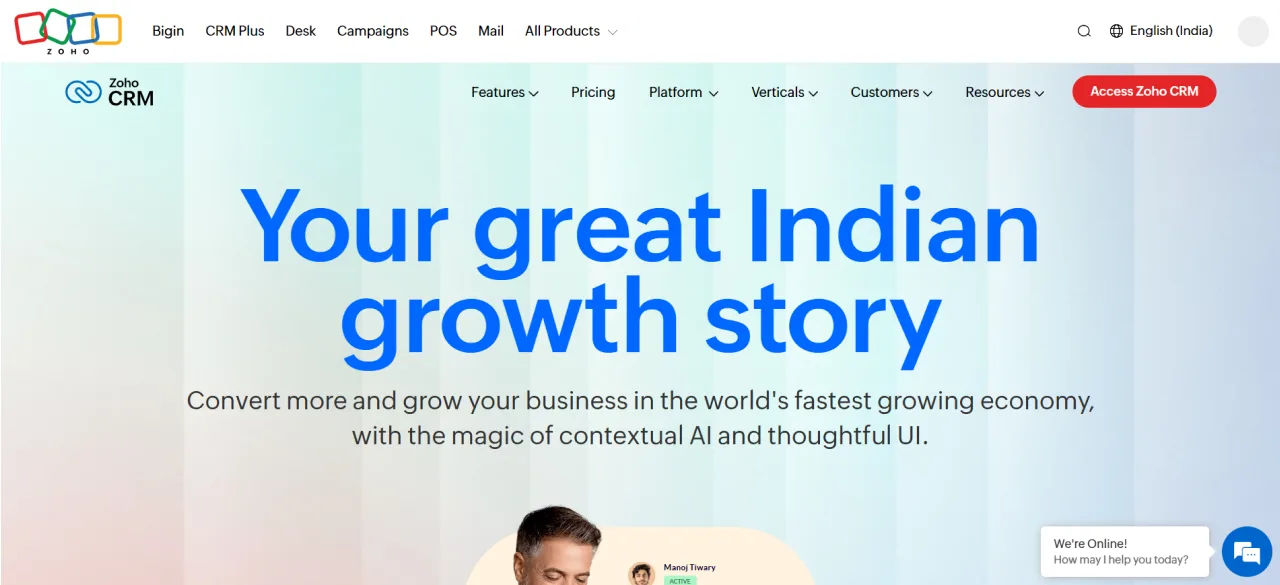
Zoho is yet another free cloud-based CRM for small businesses. It is an easy-to-use and customizable CRM specifically for small to medium-sized businesses.
Zoho has a free CRM edition that comes with capabilities for managing sales and marketing-related processes for up to 3 users. These capabilities include lead & contact management, deal management, and account management.
You can start with Zoho CRM at no cost with the free edition and upgrade to other editions as your business grows. It has different editions starting from $20/user/month to $65/user/month (billed annually).
Additionally, it also has Bigin CRM, marketed as the easiest CRM software for small businesses.
Bigin is a pipeline-centric CRM for small teams, enabling them to have a unified view of customer information, lead tracking across multiple stages, along with basic automation such as lead assignments and follow-up creation.
Bigin CRM has different pricing tiers, such as:
- Free – 1 user limitation
- Express – $9/user/month (billed monthly)
- Premier – $15/user/month (billed monthly)
- Bigin 360 – $21/user/month (billed monthly)
You can start with Zoho CRM at no cost with the free edition through self-setup. Zoho implementation partners’ expert guidance is also available to handle the implementation process from initial consultation to final deployment. On average, these implementation partners will cost you between $2000-$5000 (based on several Reddit users’ discussions), depending on the complexity of the CRM.
Zoho CRM features:
These features are available with Bigin CRM:
- Team pipeline: It helps you manage pipelines such as sales, customer onboarding, support, and testimonials. With visualization, you can monitor the progress across all the stages. Additionally, you can customize the sales, service, and marketing pipelines.
- Unified view: All the customer information can be accessed from a single place.
- Built-in phone system: You can make and receive calls directly from the CRM.
- Automation: It supports automation to manage routine operations from lead assignment, follow-ups, to information insertion.
| Zoho for small businesses | |
|---|---|
| Pricing tiers | – Standard – $20/user/month – Professional – $35/user/month – Enterprise – $50/user/month – Ultimate – $65/user/month Note: This pricing is for monthly billing. |
| Customization | Low-code or no-code customization supported |
| Integration capabilities | Integration with Google Workspace and Microsoft 365 |
| Long-term viability | Scalable for businesses to support growth from small to mid-sized businesses |
| Recommended for | It is suitable for both B2B and B2C companies |
When to use Zoho CRM for small businesses?
Zoho CRM is the right choice for solo entrepreneurs or micro-businesses to have a simple, pipeline-focused CRM at no cost. Small businesses (1-3 members), or growing businesses, can opt for its paid editions to advanced features and customization, meeting their business needs.
3. HubSpot
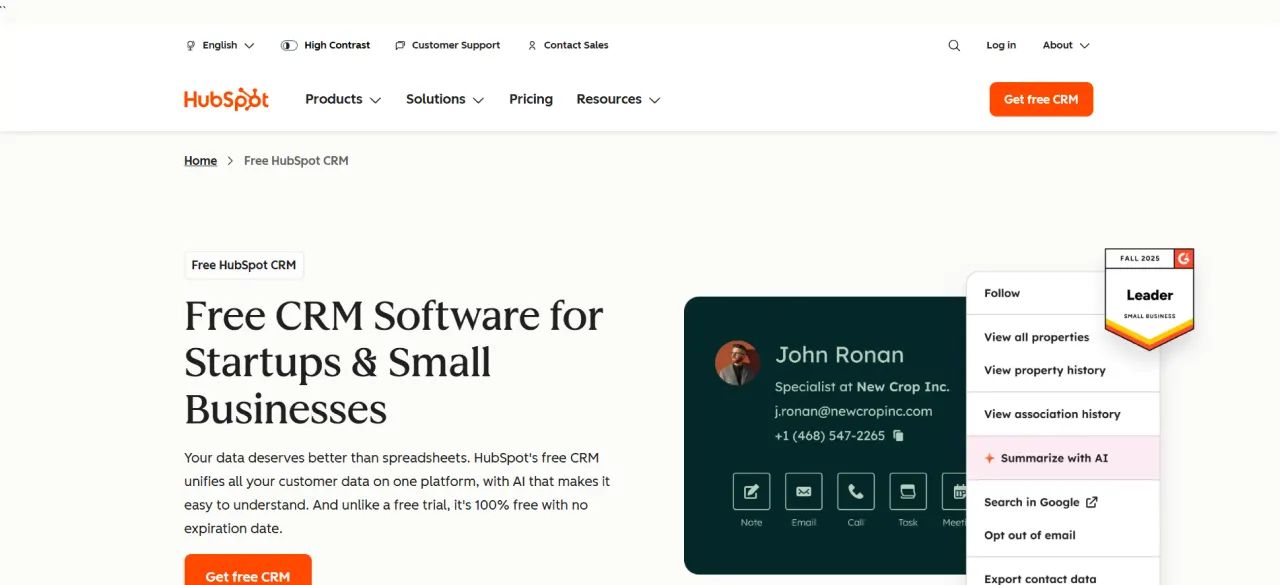
HubSpot is a free cloud-based CRM software for startups and small businesses. It started as a marketing platform and has evolved into a CRM platform with free core CRM plus and paid plans.
HubSpot free CRM supports up to 2 users, offering limited access to sales (1,000 free contact and company records), service, marketing (2000 emails sent per calendar month), content, and data tools with HubSpot branding.
You can upgrade to HubSpot’s premium plan, HubSpot’s Starter Customer Platform, starting at $20/user/month (billed monthly). It expands the free CRM capabilities and allows you to remove HubSpot branding with increased limitations.
Starter Customer Platform includes HubSpot’s core CRM products, including Sales Hub, Marketing Hub, Service Hub, Data Hub, and Commerce Hub. All these products are seamlessly connected with each other, leveraging HubSpot’s Smart CRM.
You can start with HubSpot on your own with the help of free educational resources through its academy platform, with certified courses and documentation. Additionally, you can opt for help from certified implementation partners for implementation, integration, data migration, or training programs to get a tailored CRM for your needs.
HubSpot CRM features:
These features are available with the HubSpot Starter Customer Platform:
- Deals pipeline management: You can create deals from their creation, to assigning to tracking their deals.
- Ad tracking and management: You can create targeted campaigns along with capabilities to measure their performance.
- Sales reporting: Visibility into the sales pipeline to understand and optimize the activities to drive better results.
- Email automation: Automated email campaigns based on the customer’s information.
- Contact management: You can manage all the contacts from a single place, along with their log activity.
| HubSpot for small businesses | |
|---|---|
| Pricing tiers | – Free CRM – $0/user (up to 2 users) – Starter – $20/user/month – Smart CRM professional – $50/user/month – Smart CRM Enterprise – $75/user/month Note: This pricing is for monthly billing. |
| Customization | Drag-and-drop properties, pipelines, and workflows customization, limited custom code modules |
| Integration capabilities | Email integration with Gmail or OutlookGoogle Workspace/Microsoft 365 for calendar sync |
| Long-term viability | A scalable CRM for small to mid-size businesses |
| Recommended for | It is recommended for B2B organizations; B2C with high transaction volumes or complex e-commerce needs might need higher-tier plans. |
When to use HubSpot CRM for small businesses?
HubSpot is the right choice for the macro teams (1-2 users) for small and mid-sized organizations looking for inbound (content/SEO/email), B2B sales pipelines.
4. monday.com
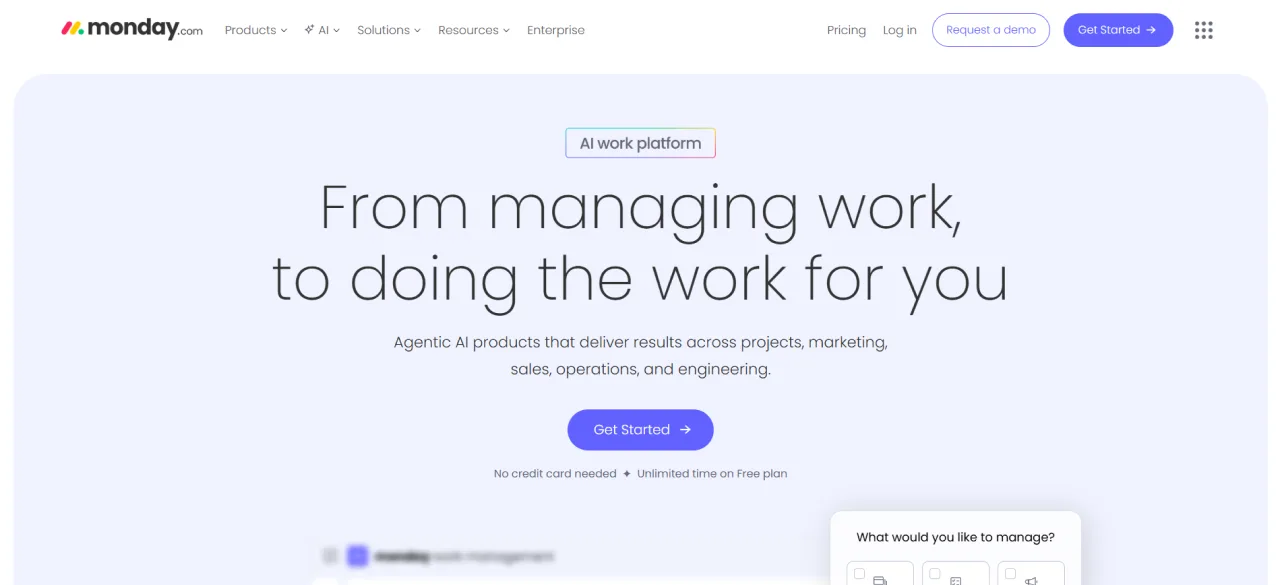
monday.com is a cloud-based, customizable sales CRM with core capabilities related to lead/contact/deal management. Simply saying, it is a no-code platform that consolidates your entire sales process, while AI automation handles the repetitive work for you.
It is built on the Work OS Platform, a visual work operating system that enables teams to build custom workflows using drag-and-drop blocks.
The pricing for monday CRM starts from $15/seat/month (Basic plan) when billed monthly. It offers a 14-day free trial for all plans, priced at $15/seat/month (Basic), $20/seat/month (Standard), and $33/seat/month (Pro) when billed monthly.
monday.com CRM features:
- Customize sales process: You can customize the sales process using its no-code capabilities to mirror the way your team sells. Additionally, you can manage multiple sales pipelines simultaneously from a unified place.
- Easy to implement automation: It has one-click automation capabilities for repetitive sales processes, such as auto assignments of leads to reps auto-create reminders, and alerts when lead status changes.
- Mass emailing and tracking: You can email multiple contacts at once, and efficiently track the activities, like how many of them opened, clicked, or replied.
- Mobile application: It has a mobile application enabling sales reps to stay updated about the lead activities and deals pipelines.
| monday.com for small businesses | |
|---|---|
| Pricing tiers | – Basic – $15/seat/month – Standard –$20/seat/month – Pro – $33/seat/month Note: This pricing is for monthly billing. |
| Customization | Supports no-code customization for editing the sales pipeline. |
| Integration capabilities | Supports no-code integration with communication, collaboration, marketing tools, and more. |
| Long-term viability | Can support businesses from small to mid-size (5-50 users) |
| Recommended for | While it supports both B2B and B2C, it’s optimized for B2B sales processes. |
When to use monday CRM for small businesses?
monday CRM is a sales-focused CRM; therefore, if you are looking for a CRM that might help the sales team better manage leads and offload low-touch repetitive work, then this might be the right choice for you.
5. Odoo
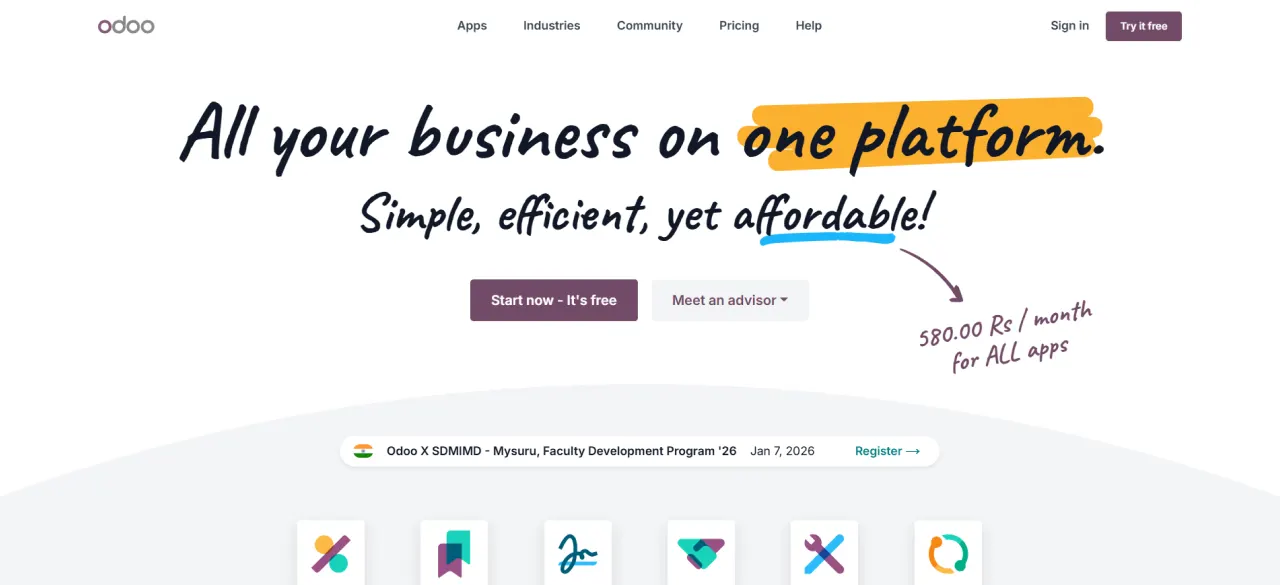
Odoo is an open-source, cloud-based CRM software for small businesses’ sales needs. From helping businesses capture leads, nurture prospects, and score opportunities, it acts as a single place for managing the lead lifecycle across different stages.
Odoo is primarily an ERP system, having CRM as one of its core applications that you can enable to manage the sales process.
It has a free pricing plan for unlimited users. You can use any one of the Odoo applications for free forever with unlimited users. For example, you can use its CRM application for free. However, if you need another Odoo application for managing marketing, accounting, or inventory, you must subscribe to its paid per-user plan.
Odoo has two different paid plans: standard ($31.10/user/month) and custom $46.80/user/month when billed monthly. Additionally, Odoo has success packs to ensure application configuration tailored for your business needs, starting at $3,060 (basic) and reaching up to $25,000 (pro).
You can view these success packs here to estimate the Odoo implementation cost specific to your requirements: Odoo Success Packs
Odoo CRM features:
- Auto lead capture: It can create leads automatically from all the different channels you use, including but not limited to website, social, calls, and support tickets.
- Lead nurturing: It can help you create email campaigns for each lead segment based on lead activity. You can also set up assignment rules to ensure each lead is routed to the right agent. Additionally, it has a predictive lead score to filter out high-potential leads.
- Pipeline management: It provides a Kanban view of the opportunities pipeline, with drag-and-drop functionality to set up the stage of each lead.
- Reporting: It supports the creation of predefined dashboards to keep track of your sales team’s KPIs, along with maintaining a source tracking for all the leads.
- Mobile app: You can access the Odoo CRM on the go with its mobile app.
| Odoo CRM for small businesses | |
|---|---|
| Pricing tiers | – One app free – $0 (unlimited users) – Standard – $24.90/user/month – Custom – $37.40/user/month Note: This pricing is for monthly billing. |
| Customization | Supports no-code customization of forms, reports, and workflows |
| Integration capabilities | Supports integration with other Odoo applications for inventory management, email marketing, etc. |
| Long-term viability | Primarily suited for small businesses, it scales up to support mid-size organizations with basic sales needs |
| Recommended for | Supports both B2B and B2C businesses |
When to use Odoo CRM for small businesses?
Odoo could be the right choice for small teams (2-10 users) or solo entrepreneurs looking for a foundational lead management CRM. It has a free plan, so bootstrapped startups can benefit from it.
6. Freshsales
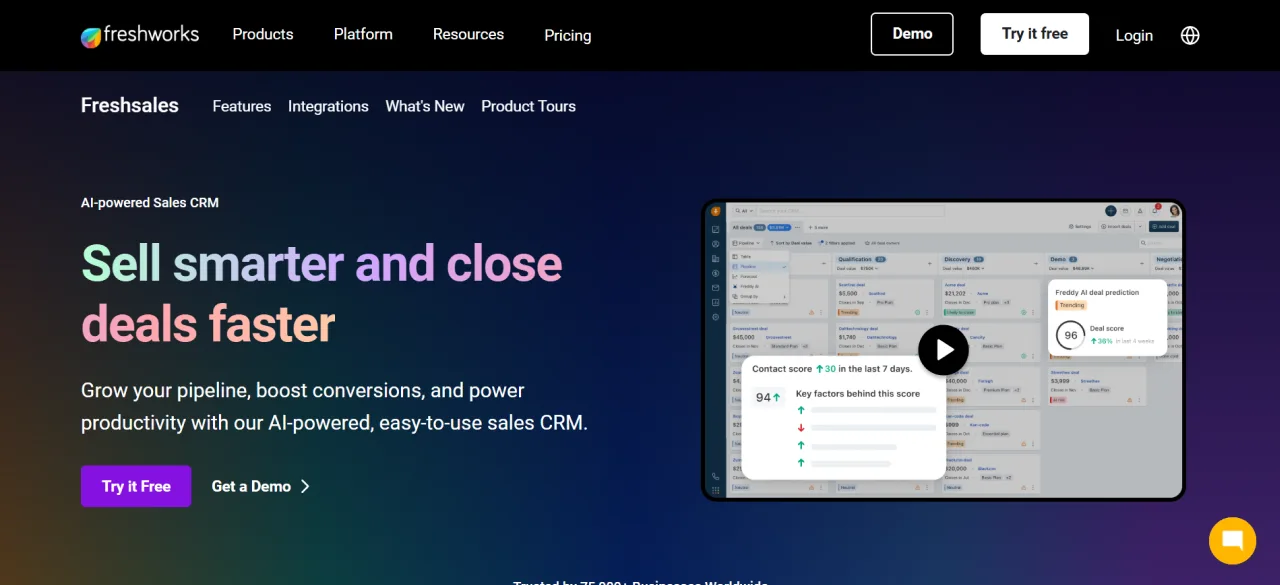
Freshsales is a sales CRM for small to mid-sized businesses. It provides a Kanban view of contacts, accounts, and deals in one place, enabling sales reps to quickly understand customer stages and personalize their outreach strategies. Furthermore, it has built-in phone, email, tasks, appointment, and notes, making it easy to reach the prospects and close the deals.
Freshsales has a free plan that supports up to 3 users with core sales features, kanban view of contacts, email templates, built-in phone, and live chat. Additionally, it has paid pricing plans, such as growth ($11/user/month), pro ($47/user/month), and enterprise ($71/user/month), when billed monthly.
Freshsales CRM features:
Here we have listed out the features available with its growth pricing plan tailored for startups to SMBs.
- Customize contact lifecycle stages: Using drag-and-drop features, you can customize the lifecycle stages of contacts.
- Sales activities management: It helps with a centralized view of all the upcoming and to-do sales activities, along with the performance of your sales team. Additionally, you can also set up custom sales activities.
- Sales pipeline management: Kanban-style dashboard to visualize the sales pipeline, including timeline or funnel view, and deal status. You can also set up an age for each deal to ensure your sales reps are not working on rotten deals.
- Built-in phone to contact prospects conveniently from the CRM without switching tabs.
| Freshsales for small businesses | |
|---|---|
| Pricing tiers | – Free CRM – $0 for 3 users – Growth – $11/user/month – Pro – $47/user/month – Enterprise – $71/user/month Note: This pricing is for monthly billing. |
| Customization | Customization is limited to creating custom fields, renaming existing modules, sales email templates, product catalogue, and basic workflow (up to 20). |
| Integration capabilities | Social media platforms integrationsAPI access Slack integration |
| Long-term viability | Suitable for startups to small & mid-sized businesses looking for core sales features. |
| Recommended for | Flexible CRM for both B2B and B2C businesses |
When to use Freshsales CRM for small businesses?
Freshsales is the right choice for small to mid-sized businesses looking for an easy-to-implement CRM to streamline their sales processes.
7. Salesflare
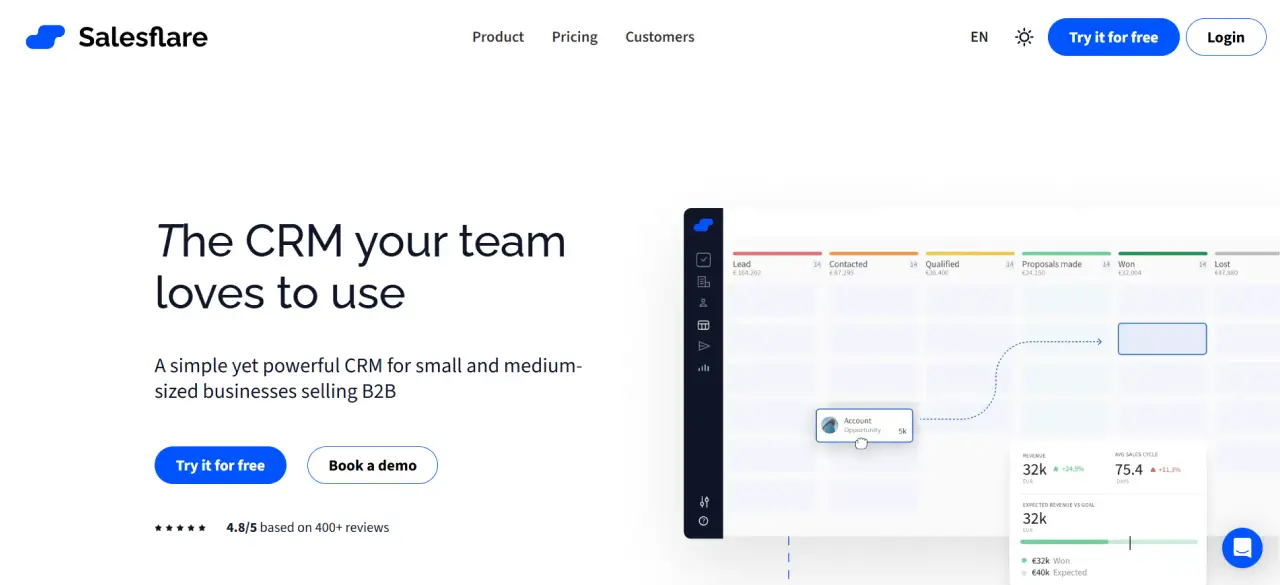
Salesflare is a quick-to-start sales CRM for small to medium-sized B2B businesses. It helps businesses create a 360-degree video of the complete sales pipeline that can be customizable as leads move from one stage to the next.
Salesflare has three pricing plans: growth ($39/user/month), pro ($64/user/month), and enterprise ($124/user/month), when billed monthly. It offers up to 30 days of free trial for all its pricing plans.
Salesflare CRM features:
- Sales tracking: Helps with a visual pipeline to keep track of the sales pipeline with automated reminders to ensure your sales team is informed to follow up on the leads.
- Task management: Helps sales reps stay informed about their tasks in one place for each customer.
- Mobile application: An application for Android and iOS to make it easy to stay updated with the sales pipeline on the go.
- Email, links, and website visits tracking; It has an email sidebar and website tracking script, helping you to keep track of email clicks and the website pages people visit.
- Automated data enrichment: It can automatically populate contact and company information from email, email signature, and social media in CRM.
| Freshsales for small businesses | |
|---|---|
| Pricing tiers | – Growth:- $39/user/month – Pro:- $64/user/month – Enterprise:- $124/user/month Note: This pricing is for monthly billing. |
| Customization | You can create custom dashboards, fields to gather information needed, and a sales pipeline. |
| Integration capabilities | Social media platforms integrationsEmail integrationCalendar integration. |
| Long-term viability | Suitable for startups to small & mid-sized businesses. |
| Recommended for | B2B companies |
When to use Salesflare for small businesses?
Salesflare has pricing plans for businesses of all sizes, from small to large enterprises. So it is the right choice for B2B companies of all sizes looking for a CRM to keep track of their sales pipeline and automated follow-up capabilities.
8. Pipedrive
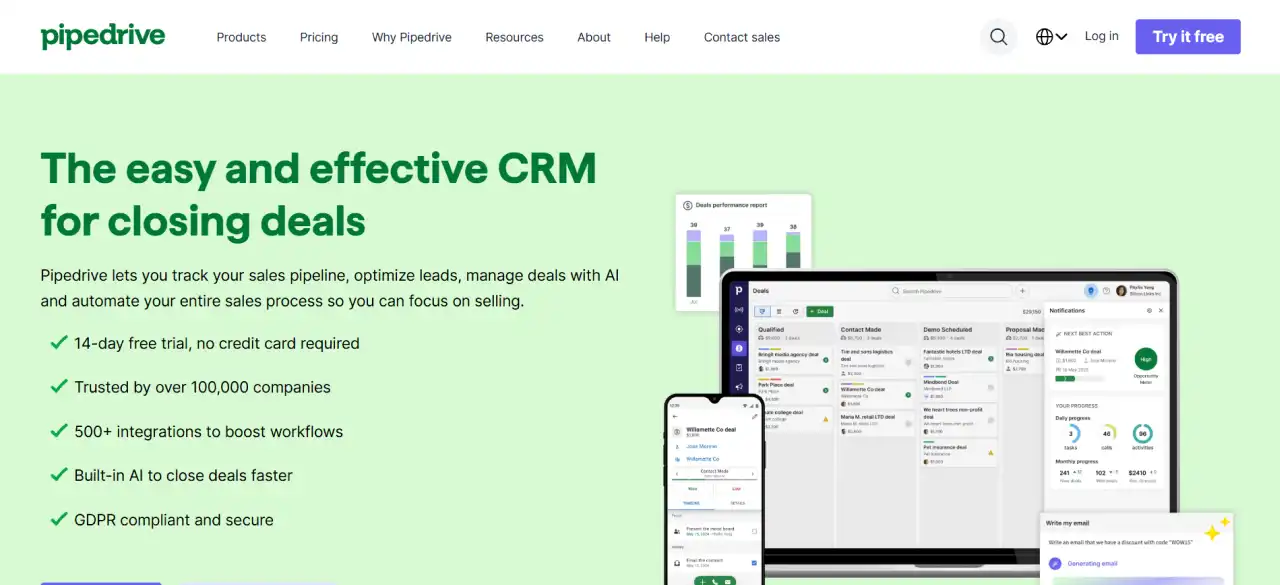
Pipedrive is a sales CRM and pipeline management software. It is an intuitive and cloud-based platform helping businesses optimize leads, manage sales pipeline, and deals. With built-in AI offered in all of its pricing plans helps sales teams automate tedious sales processes such as writing personalized emails, scheduling sales calls, email marketing, and more.
Cut to the short, Pipedrive promises to be a comprehensive CRM that sales teams need to build the context they need to close more deals.
Pipedrive offers four different pricing plans: Lite ($19/seat/month), Growth ($34/seat/month), Premium ($64/seat/month), and Ultimate ($89/seat/month) when billed monthly. All these plans come with a 14-day free trial period to assess the platform capabilities before making a long-term commitment.
Pipedrive CRM features:
All the features discussed below are available with its starting pricing plan, Lite ($19/seat/month).
- Pipeline management: It has visualized pipeline management capabilities to let you track and customize multiple pipelines simultaneously to meet your sales pipeline. Sales reps can add color-coded labels for leads that require immediate attention.
- Generate, qualify, and nurture leads: It has a Lead Inbox, which stores all incoming leads. These leads can be filtered out, sorted, and edited to ensure they are nurtured effectively. Simply saying, it can manage the pre-sales communication with prospects, and once a lead is qualified, it is moved to the pipeline.
- Custom lead scoring: You can set up the customizable metrics to identify the high-quality leads along with the next based action to improve the chances of conversion.
- AI-powered automation: It helps to set up automation using the ready-made templates to eliminate the tedious work involved in the sales process. Additionally, you can set up custom rules to ensure leads are assigned to the right reps, along with setting up automated follow-ups.
- Visualized sales dashboard: Helps with access to a single dashboard for all the sales-related metrics to identify the areas that can be improved.
| Pipedrive for small businesses | |
|---|---|
| Pricing tiers | – Lite:- $19/seat/month – Growth:- $34/seat/month – Premium:- $64/seat/month – Ultimate:- $89/seat/month Note: This pricing is for monthly billing. |
| Customization | You can customize pipelines, deal views, and activities. |
| Integration capabilities | Marketplace supporting 500+ one-click installations. |
| Long-term viability | Suitable for startups to small & mid-sized businesses. |
| Recommended for | The right choice for both B2B and B2C |
When to use Pipedrive CRM for small businesses?
Pipedrive CRM is the right choice for small to mid-sized businesses looking for an AI-powered automation and sales CRM to help your sales reps with the context they need to close deals faster.
9. Nutshell
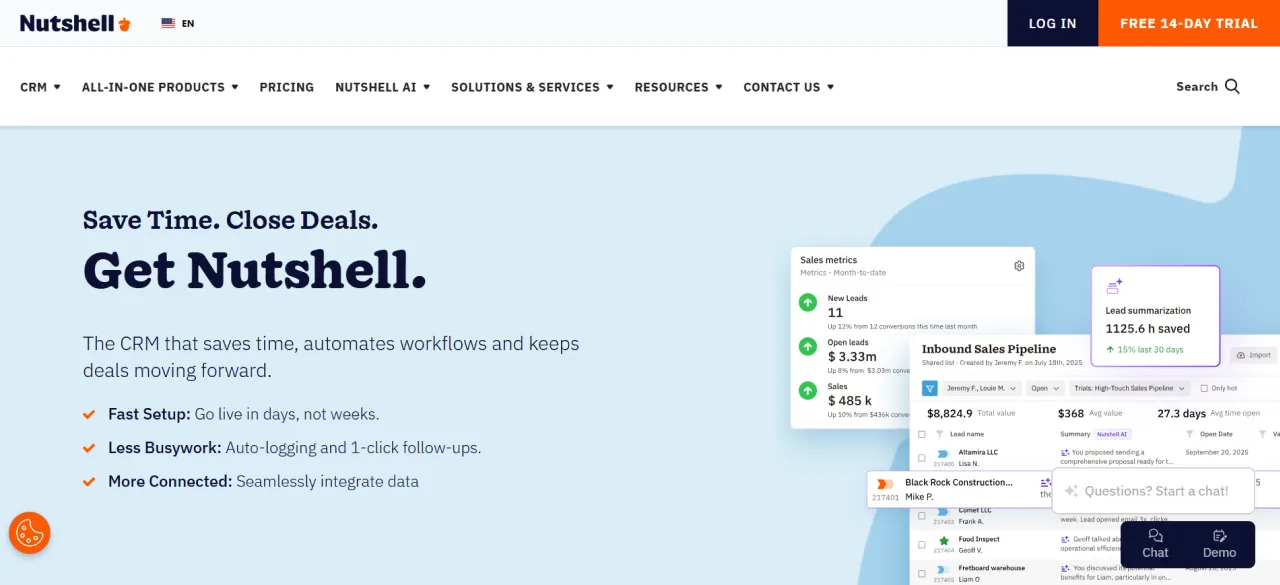
Nutshell is a simple pipeline and contact management CRM software for small businesses. It is easy to implement a CRM for non-tech users. From centralizing customer data, managing the pipelines, and personalizing marketing campaigns, it delivers them all.
Nutshell sales CRM has 5 different pricing plans: Foundation ($19/seat/month), Growth ($32/seat/month), Pro ($49/seat/month), Business ($67/seat/month), and Enterprise ($89/seat/month), when billed monthly. All these pricing plans offer a 14-day free trial period. Additionally, these pricing plans have access to the Marketing Foundation and Engagement Foundation.
Nutshell CRM features:
- Multiple pipelines management: You can manage multiple pipelines simultaneously in a way that works best for your sales team. Additionally, you can set the custom view for pipelines.
- Automation: You can set up the custom automation to offload tedious tasks such as auto-lead assignment, automated reminders, and logging activities.
- Email automation: You can create personalized email sequences and track the activities automatically.
| Nutshell for small businesses | |
|---|---|
| Pricing tiers | – Foundation:- $19/seat/month – Growth:- $32/seat/month – Pro:- $49/seat/month – Business:- $67/seat/month – Enterprise:- $89/seat/month Note: This pricing is for monthly billing. |
| Customization | Supports the pipeline customization |
| Integration capabilities | Gmail and Calendar integration |
| Long-term viability | Suitable for startups to small & mid-sized businesses. |
| Recommended for | The right choice for both B2B and B2C |
When to use Nutshell CRM for small businesses?
Nutshell CRM is the right choice if you need a CRM for solopreneurs, small teams, and mid-sized businesses (5-50 users ) needing simple sales and basic email marketing capabilities.
10. Attio
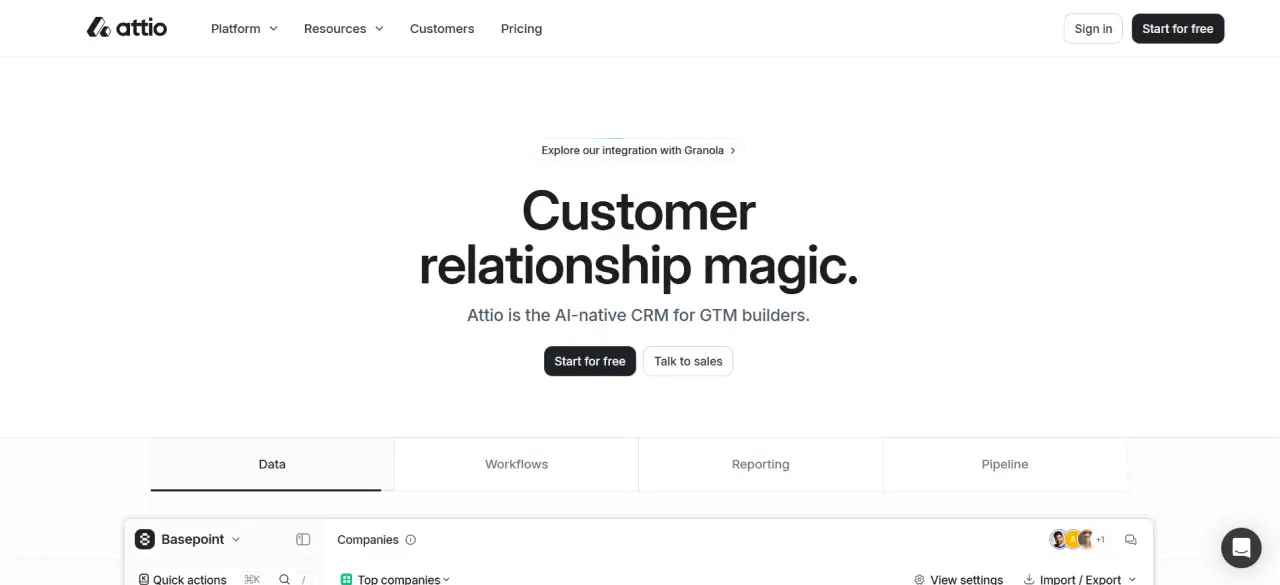
Attio is an AI-native CRM for startups to mid-sized businesses. It promises to be the next-gen of CRM with flexibility to manage everything from a business sales pipeline to customer onboarding and customer success.
Attio is an easy-to-implement CRM that will sync with your email and calendar to centralize all your data in the CRM.
You can start with Attio CRM at no cost with their free pricing plan that supports up to 3 seats. It also has three different pricing plans tailored for businesses at different stages, such as Plus ($36/user/month), Pro ($86/user/month), and Enterprise (custom quote), when billed monthly. It offers a 14-day free trial period for each of its pricing plans.
Attio CRM features:
- Custom objects: You can create custom objects to store the data that matters to your business.
- Pipeline management: You can create customized sales pipelines with the help of Attio’s templates or blocks. Additionally, it helps to have instant visibility in the sales pipeline to take timely actions.
- Automation: It has an automation engine powered by a visual canvas and blocks to help businesses automate processes conveniently.
- Customizable reports: Allows you to create visualized and customized reports with the data that matters to your business.
| Attio for small businesses | |
|---|---|
| Pricing tiers | – Free:- $0/user/month – Plus:- $36/user/month – Pro:- $86/user/month – Enterprise:- Custom quote Note: This pricing is for monthly billing. |
| Customization | Custom objects and relationships |
| Integration capabilities | Gmail and Calendar integration, Slack integration |
| Long-term viability | Suitable for startups to small & mid-sized businesses, to enterprises |
| Recommended for | The right choice for both B2B and B2C. |
When to use Attio CRM for small businesses?
Attio is the right choice if you need a CRM that is easy to start and helps you across your business’s growth from a startup to an enterprise, managing all the sales-related activities.
Final take
As said, the selection of the best CRM for small businesses should not be just based on the features and price; it should be the one that meets your needs.
These CRM are carefully selected after thorough evaluation for small businesses. Evaluate each of them against your needs and choose the one that meets your needs and budget.


Don’t Worry, We Got You Covered!
Get The Expert curated eGuide straight to your inbox and get going with the Salesforce Excellence.
AUTHOR
Vishwajeet Srivastava
Salesforce Data Cloud, AI Products, ServiceNow, Product Engineering
Co-founder and CTO at Cyntexa also known as “VJ”. With 10+ years of experience and 22+ Salesforce certifications, he’s a seasoned expert in Salesforce Data Cloud & AI Products, Product Engineering, AWS, Google Cloud Platform, ServiceNow, and Managed Services. Known for blending strategic thinking with hands-on expertise, VJ is passionate about building scalable solutions that drive innovation, operational efficiency, and enterprise-wide transformation.


Cyntexa.
Join Our Newsletter. Get Your Daily Dose Of Search Know-How
Frequently Asked Questions
Yes, there are multiple 100% free CRM available for small businesses, such as:
- Salesforce:- Free Suite (2 users)
- Zoho:- Free CRM (3 users)
- HubSpot: Free CRM (2 users)
- Odoo:- One app free (unlimited users)
- Freshsales: Free CRM (3 users)
- Attio:- Free CRM (3 seats)
Yes, Salesforce has a Free Suite, helping you with lead, contact, account, and opportunity management, service case management, and basic email marketing. It offers easy setup with guided onboarding, so you can start using the CRM with no technical expertise required.