




Databricks Lakebase: Complete Guide to Features, Use Cases, Pricing & More
source on Google

Table of Contents
source on Google
Organizations building an app or an AI agent eventually run into the same problem: their analytics and AI workloads live in the Databricks Lakehouse, but the application itself needs a database that can read and write data instantly.
Previously, this meant setting up a separate operational database outside Databricks and building custom pipelines to keep it in sync.
Lakebase in Databricks closes this gap of one more system to manage, patch, and pay for.
In this guide, we’ll break down what Lakebase is, how it works, what it costs, and where it fits into your Databricks implementation.
What is Databricks Lakebase?
Databricks Lakebase is a fully managed, Postgres-compatible operational database built into the Databricks platform. It is designed to store and serve live application data that needs to be updated and accessed in real time.
Simply put, Lakebase gives businesses a database for applications, websites, and AI agents that need to read and write data instantly, without having to manage a separate operational database outside their Databricks environment.
Why is Databricks Lakebase useful?
Let’s first understand the role of the Databricks Lakehouse to understand its importance.
A Databricks Lakehouse is a single, unified place to store all organizational data. It combines the cheap, massive storage of a data lake with the structured reliability of a data warehouse. Companies use it to store raw files, run business reports, and build AI, all in one place.
But applications often need something different. When a customer opens an account, places an order, updates their profile, or adds something to a shopping cart, the application needs to read or update that information immediately. These are transactional workloads, and they require an operational database.
This is where Databricks Lakebase fits in. It works alongside the Lakehouse, giving applications and AI agents access to live operational data while remaining connected to the broader Databricks data environment. Organizations including including Hafnia, Warner Music Group, and easyJet are already using Lakebase.
How is it different from traditional data platforms?
Traditionally, businesses that wanted to build an application or AI agent that could read and write data in real time while also using data from their Databricks Lakehouse had to connect multiple systems.
For example, a business might keep its analytical data in Databricks while using a separate PostgreSQL database for its application. The two systems would then need to be connected through data pipelines or other integration methods to sync the relevant data.
This approach works, but it also means managing another database, configuring integrations, controlling access across systems, and maintaining the processes that move data between them.
Lakebase in Databricks takes a different approach. It provides a PostgreSQL-compatible operational database within the Databricks platform, allowing applications to work with live transactional data while remaining connected to the organization’s Databricks data environment. It reduces the custom integration businesses need to build between their operational applications and analytical data.
It gives businesses already working with Databricks an operational database that can work more closely with their existing data and AI environment.
How does Databricks Lakebase work? The architecture
Lakebase works by separating the database’s storage from its compute.
In simple terms, in Databricks Lakebase, the data can remain available while the computing resources used to work with that data can scale based on demand.
This means businesses do not have to keep the same amount of computing capacity running all the time. Lakebase can scale resources up when applications need more capacity, scale them down when demand drops, and pause when they are not being used. This approach helps Lakebase support applications with changing workloads while keeping resource usage more flexible.
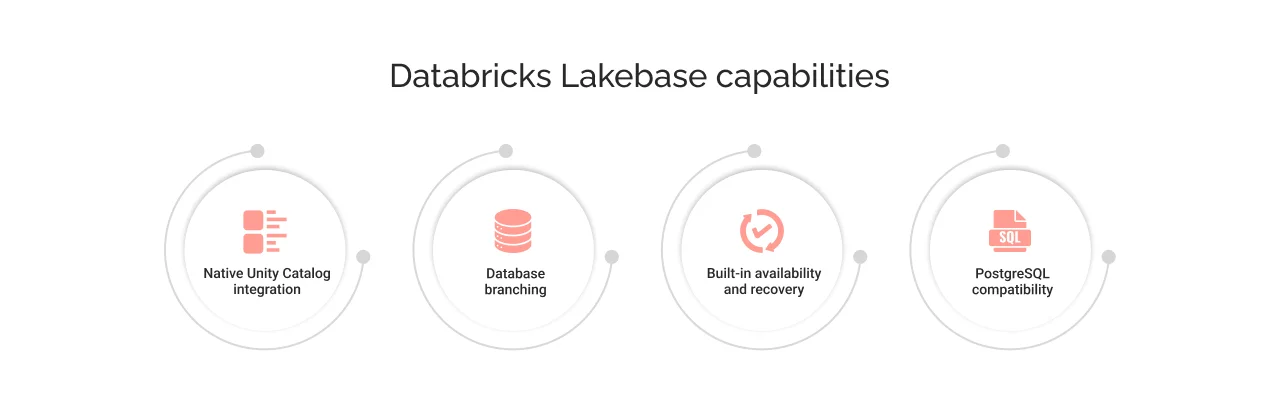
A few key capabilities make this possible:
Native Unity Catalog integration
Lakebase works with Unity Catalog, so businesses can connect operational data with their existing Databricks data environment. Data from the Lakehouse can be available in Lakebase for applications that need fast access, while operational changes can also be available for analytics and other downstream workloads.
This reduces the need to build and maintain custom data pipelines just to keep operational and analytical data connected.
Database branching
Lakebase supports branching, which creates an isolated version of a database without requiring a full copy of the underlying data. Teams can use branches for development and testing without affecting production data.
For example, a development team can create a branch, test a new application feature, and remove the branch when testing is complete.
Built-in availability and recovery
Lakebase is a fully managed service, so Databricks handles much of the infrastructure required to keep the database available and recoverable. This includes capabilities such as high availability, failover, and point-in-time recovery.
This means teams do not have to build and maintain all of these database operations themselves.
PostgreSQL compatibility
Lakebase is PostgreSQL-compatible, so developers familiar with PostgreSQL can work with it using familiar tools, drivers, and application patterns. It makes it easier to connect existing applications to Lakebase without redesigning the entire application architecture.
Lakebase combines the familiar experience of PostgreSQL with the scalability and integration of the Databricks platform. It gives applications a place to manage live, transactional data while keeping that data connected to the broader data and AI environment.
A networking detail to check before deploying Databricks Lakebase
One thing to check before deploying Lakebase is how it will connect to your private network. Because an issue raised in a Databricks Community Discussion when a team’s VNET-injected workspace couldn’t reach Lakebase without additional configuration. Lakebase runs in the Databricks serverless compute plane, so a private network does not automatically make Lakebase privately accessible.
If your application requires private connectivity, you may need to configure the Inbound PrivateLink for performance-intensive services for Lakebase. It became generally available in June 2026, so it is worth confirming your network requirements and configuration before moving a production workload to Lakebase.
Key features of Databricks Lakebase
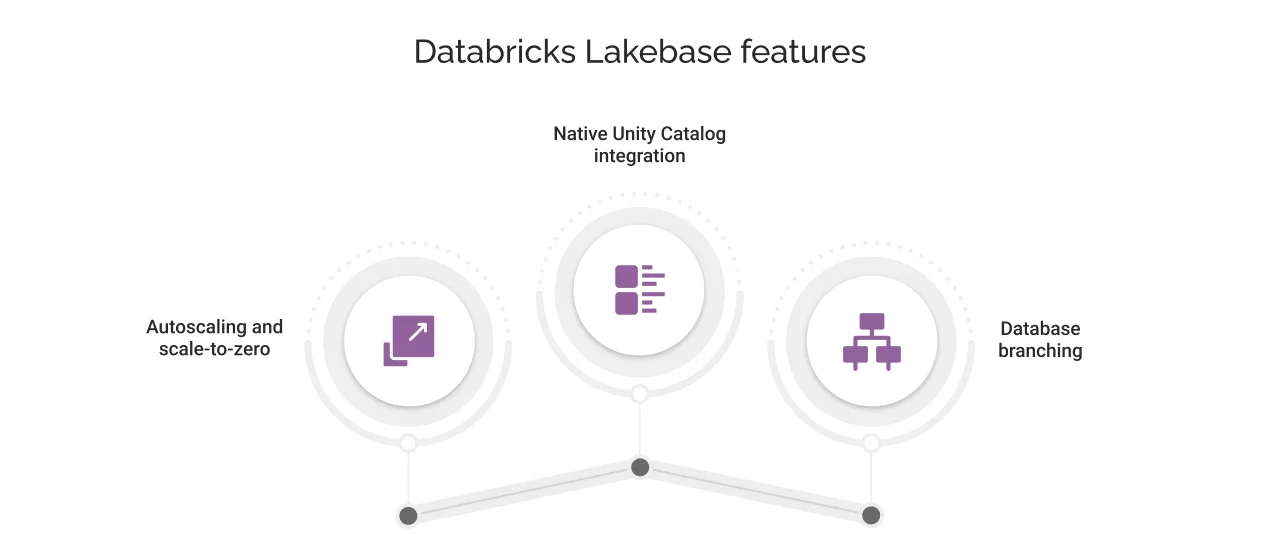
Lakebase in Databricks combines familiar PostgreSQL capabilities with features designed to make operational databases easier to scale, connect, and manage. Here are the three key features of Databricks Lakebase:
Autoscaling and scale-to-zero
Lakebase can automatically adjust compute resources based on demand.
For example, when an application requires more capacity, Lakebase can scale up and scale down when demand decreases, and unused workloads can scale to zero.
For businesses, this means they do not necessarily need to keep database compute running at the same capacity all the time, specifically for workloads with low or no activity.
Native Unity Catalog integration
Lakebase integrates with Unity Catalog, connecting operational data with the Databricks data environment.
Businesses can synchronize data between Lakebase and Lakehouse, making operational data available for analytics and allowing changes from applications to flow into downstream data workloads.
This helps reduce the need for custom pipelines built specifically to keep application data and analytical data in sync.
Database branching
Lakebase supports copy-on-write branching, enabling teams to create isolated database branches without making a complete physical copy of the underlying data.
Developers can use these branches to test application changes, experiment with new features, or work with a separate version of the database without affecting production. After the work is completed, the branch can be discarded.
Beyond these three capabilities, Lakebase also includes point-in-time recovery and encrypted storage for production workloads. Because it is a fully managed service, Databricks also handles underlying database infrastructure and operational management.
In short, all these features make Lakebase in Databricks useful for applications that need a responsive operational database while also benefiting from the Databricks data and AI environment.
Databricks Lakebase cost and pricing structure
Lakebase uses a different pricing model from the DBU-based pricing used for other Databricks workloads.
Databricks Lakebase pricing depends on the resources your database uses. The main costs include compute and storage, with additional charges for features such as snapshots depending on how you configure your database.
How is Databricks Lakebase compute priced?
Lakebase measures database compute in Compute Units (CU). Each CU provides a defined amount of compute capacity, including memory and processing resources. You can configure the amount of compute your database can use, and with autoscaling enabled, Lakebase can increase or decrease that capacity based on the workload demand.
As Lakebase also supports scale-to-zero, when a database is inactive, its compute can automatically pause. This means you do not continue paying compute charges for an idle database. When activity starts again, the compute can scale back up.
How is Lakebase storage priced?
Storage is another part of the Lakebase cost. Your bill depends on how much data you store, along with other storage-related resources such as snapshots.
Databricks introduced billing for Lakebase snapshot storage starting June 2026, so businesses using backups and snapshots should include those costs when estimating their total spend.
How much does Databricks Lakebase cost?
Lakebase cost depends on the cloud provider, region, compute configuration, storage, and features being used.
Databricks has published indicative Enterprise-tier pricing for Lakebase Autoscaling on AWS (around $0.111 per CU-hour for compute and $0.345 per GB for storage), but these figures are explicitly labeled as indicative and subject to change by cloud and region.
It’s better to check Databricks’ current pricing page when estimating the cost of a Lakebase implementation rather than relying on a fixed figure quoted in an older article.
Note: The important thing to understand is that Lakebase is designed around usage. A small development database that can scale to zero will have a very different cost profile from a production application that runs continuously, uses more compute, and requires additional capacity for availability.
Databricks Lakebase for AI and agents
AI applications and agents often need more than access to large amounts of data. They also need a place to store and update information while they are working.
For example, an AI agent may need to keep track of a conversation, remember information about a user, record actions, or update the task status. These are operational workloads because the application needs to read and write data quickly as events happen.
Lakebase can provide this operational database layer while remaining connected to the broader Databricks data environment. This allows AI applications and agents to work with live data while also using data from the Lakehouse.
Serving data for AI applications
AI applications often need access to current information at the time a response is generated. Lakebase can be used to serve operational data with low latency, while data from the Lakehouse can provide the complete business context.
For example, an AI customer support application could retrieve a customer’s current order status from Lakebase while using customer history and other business data from the Lakehouse to provide a more complete response.
Storing agent state and memory
AI agents may need to store information about what they are doing as they work. This can include conversation context, task status, user preferences, or actions already taken.
Lakebase provides a transactional database where this information can be stored and updated as the agent operates.
The broader idea is simple: the Lakehouse provides the data and intelligence an AI application needs, while Lakebase can provide the live operational data layer required to run the application.
Databricks Lakebase use cases
Lakebase is useful when an application needs to work with live, transactional data while staying connected to the Databricks data environment. Some common use cases include:
- Real-time applications: Applications that need to read and update current information quickly, such as customer portals, order management systems, or personalized experiences.
- AI applications and agents: Applications that need to store conversation context, user information, task status, or other data while they operate.
- Operational dashboards and internal tools: Applications that need access to current operational data rather than relying on data refreshed through a scheduled batch process.
- Customer-facing applications: Websites and applications that need a database for actions such as creating accounts, updating profiles, managing orders, or tracking application activity.
- Operational data for analytics: Changes made through applications can be made available to the broader Databricks data environment for analytics, reporting, governance, and other downstream workloads.
These workloads need a database that can handle frequent reads and writes while remaining closely connected to the organization’s broader data and AI environment.
Questions to ask before adopting Lakebase
Before planning a Lakebase rollout, it’s worth getting clear answers on:
How will Lakebase connect to our network?
If your workspace relies on private connectivity, confirm whether Front-end Private Link is already configured, as this is not automatic.
Which workloads should run always-on vs scale-to-zero?
A production application serving live traffic has different compute needs than a development or testing branch.
How will we track Lakebase spend separately from the rest of our Databricks usage?
Since Lakebase bills in CU-hours and storage rather than DBUs, it’s worth confirming how this shows up in your existing cost reporting.


Is Lakebase right for your team?
Lakebase can be a good fit for businesses that already use Databricks and need an operational database for applications or AI agents that work with their Lakehouse data.
Additionally, if you want to avoid maintaining separate systems and custom data pipelines just to keep operational and analytical data connected, this is specifically relevant.
Lakebase may be less relevant for complete analytical workloads, where a transactional database is not required. It may also require a broader architectural evaluation for businesses that are not already using Databricks, since the value of Lakebase is closely tied to its integration with the Databricks platform.
For businesses evaluating Lakebase, the right starting point is to look at the application’s data requirements, workload patterns, existing database architecture, and how operational data needs to connect with analytics and AI.
At Cyntexa, we help businesses evaluate and implement Databricks solutions, including architecture planning, data integration, governance, and implementation. Our certified Databricks consultants can help assess whether Lakebase fits your existing environment and how it could support your application and AI workloads.
Schedule a consultation call today.
Don’t Worry, We Got You Covered!
Get The Expert curated eGuide straight to your inbox and get going with the Salesforce Excellence.
Co-founder and CTO at Cyntexa also known as “VJ”. With 10+ years of experience and 22+ Salesforce certifications, he’s a seasoned expert in Salesforce Data Cloud & AI Products, Product Engineering, AWS, Google Cloud Platform, ServiceNow, and Managed Services. Known for blending strategic thinking with hands-on expertise, VJ is passionate about building scalable solutions that drive innovation, operational efficiency, and enterprise-wide transformation.


Cyntexa.
Join Our Newsletter. Get Your Daily Dose Of Search Know-How